> ## Documentation Index
> Fetch the complete documentation index at: https://docs.kasoftware.com/llms.txt
> Use this file to discover all available pages before exploring further.
# 移轉
> 如何匯入和匯出完整的知行之橋應用程式資料和設定。
export const cloudEnv = false;
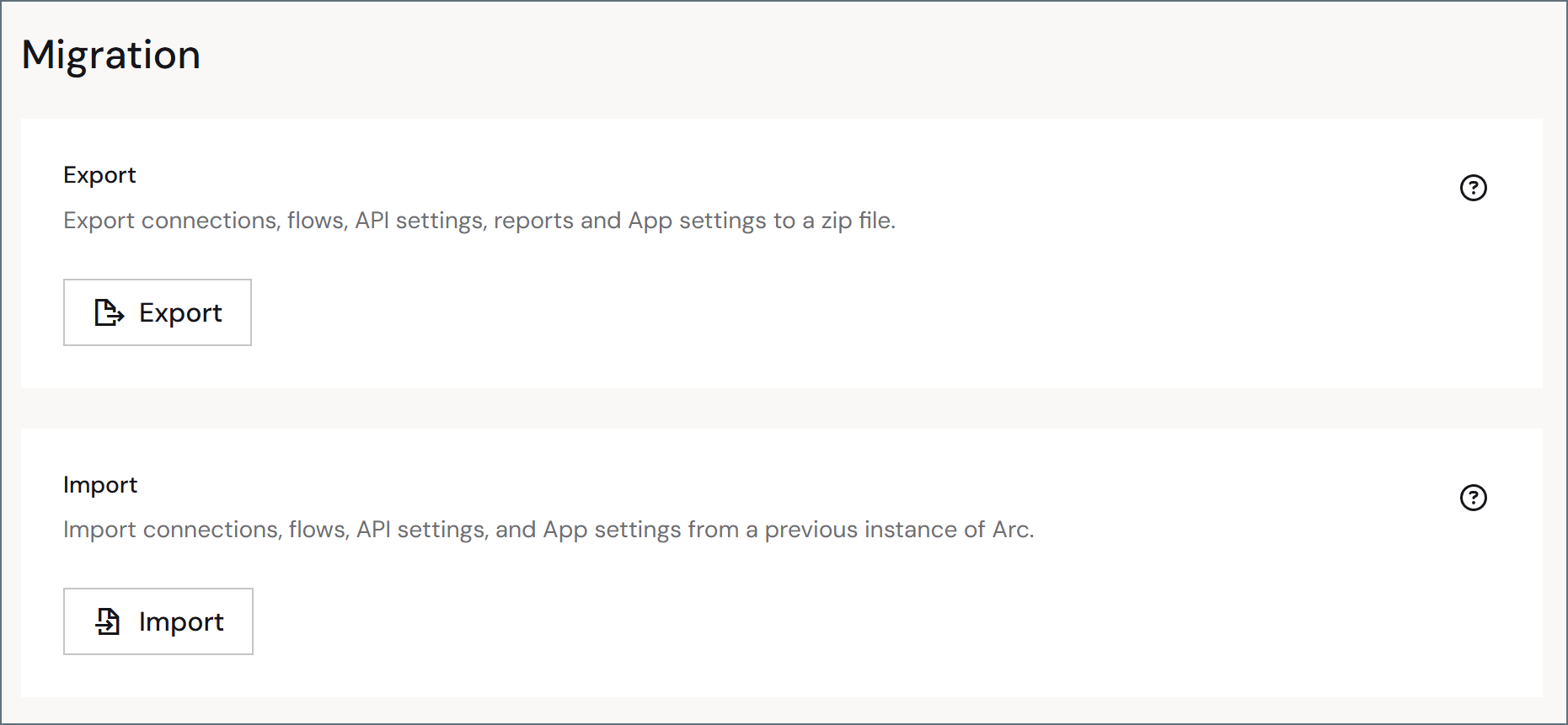
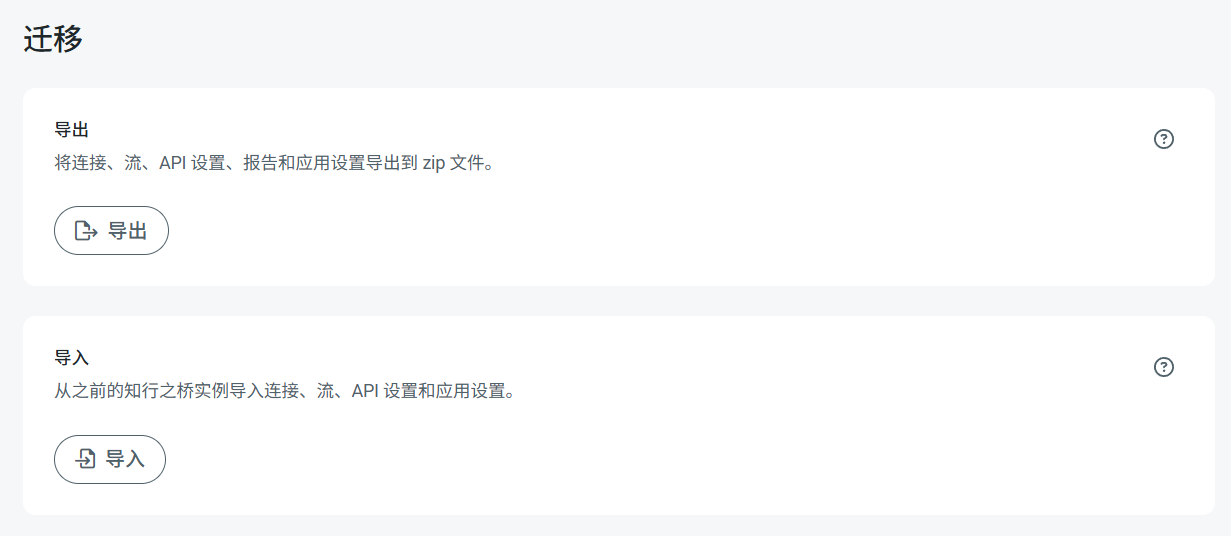
**高階**頁面的**移轉**部分使你能夠對應用程式執行完整的 {cloudEnv ? "匯入或匯出" : "匯入、匯出或移轉"},其中包括所有全域應用程式資料和設定。
{cloudEnv ? (
 ) : (
) : (
 )}
要將應用程式從嵌入式資料庫移轉到外部資料庫,請使用[應用程式資料庫移轉](./app-db-migration)實用程式。
使用**匯出**按鈕匯出全域應用程式資料。此操作會將資料匯出到 ARC 檔案(副檔名為 `.arc`)。此檔案型別儲存全域應用程式資料,例如多個工作區和設定,以及使用者、角色、報表和其他全域資料。
類似地,你可以使用**匯入**按鈕匯入 ARC 檔案來匯入應用程式資料。
有關如何使用**移轉**設定匯入或匯出應用程式的詳細資訊,請參閱[匯入和匯出](../importing-exporting-flows)。
)}
要將應用程式從嵌入式資料庫移轉到外部資料庫,請使用[應用程式資料庫移轉](./app-db-migration)實用程式。
使用**匯出**按鈕匯出全域應用程式資料。此操作會將資料匯出到 ARC 檔案(副檔名為 `.arc`)。此檔案型別儲存全域應用程式資料,例如多個工作區和設定,以及使用者、角色、報表和其他全域資料。
類似地,你可以使用**匯入**按鈕匯入 ARC 檔案來匯入應用程式資料。
有關如何使用**移轉**設定匯入或匯出應用程式的詳細資訊,請參閱[匯入和匯出](../importing-exporting-flows)。