> ## Documentation Index
> Fetch the complete documentation index at: https://docs.kasoftware.com/llms.txt
> Use this file to discover all available pages before exploring further.
# 授权信息
> 如何查看和管理您的知行之桥许可证、端口使用情况和磁盘空间使用情况。
export const siteNameShort = "知行之桥";
export const siteName = "知行之桥";
**授权信息**选项卡显示许可信息,包括已启用的企业功能、许可证到期日期、产品密钥、正在运行的 {siteName} 版本以及 Node ID。
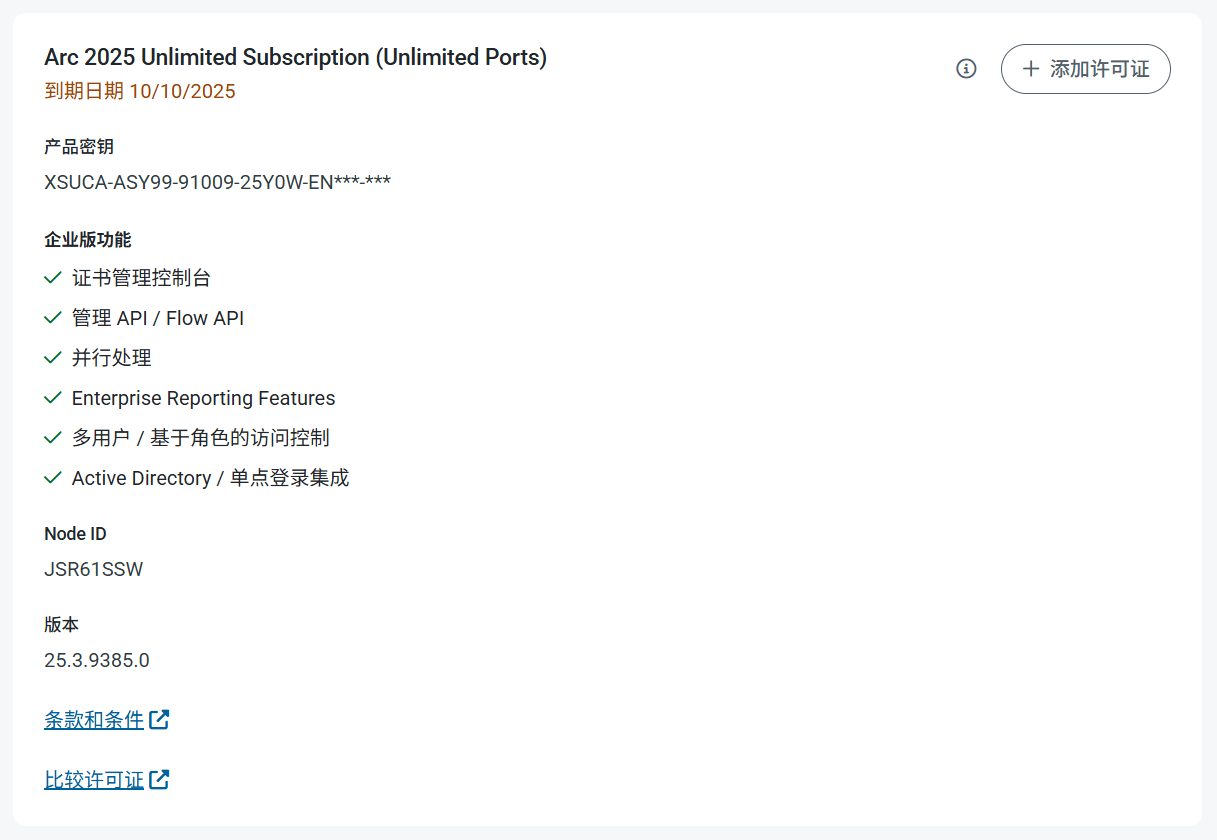 如果购买了新许可证,则可以使用此授权信息选项卡上的**添加许可证**按钮安装许可证。要延长试用许可证,请联系 [sales@kasoftware.cn](mailto:sales@kasoftware.cn) 并提供您的 Node ID。
## 端口使用情况
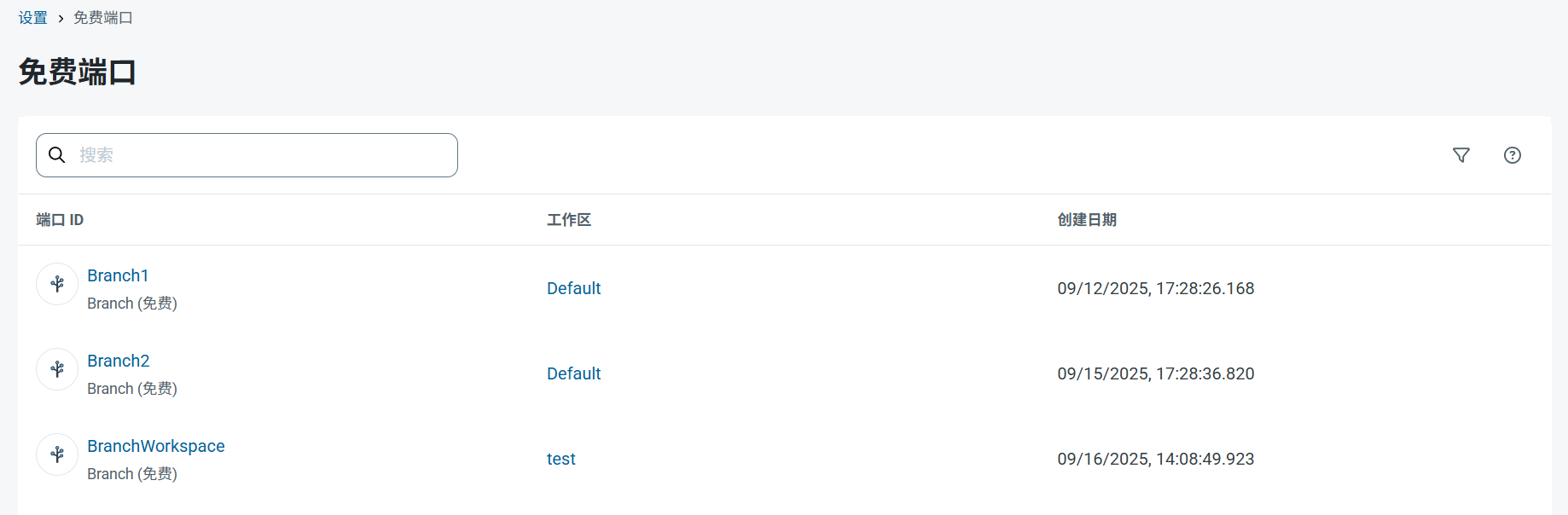
**端口使用情况**部分按类别显示了端口使用情况的细分,可以清楚地了解当前许可证的使用情况。
如果购买了新许可证,则可以使用此授权信息选项卡上的**添加许可证**按钮安装许可证。要延长试用许可证,请联系 [sales@kasoftware.cn](mailto:sales@kasoftware.cn) 并提供您的 Node ID。
## 端口使用情况
**端口使用情况**部分按类别显示了端口使用情况的细分,可以清楚地了解当前许可证的使用情况。
 点击任意类别即可查看该端口类型的所有实例的详细信息。这样您就可以识别和管理任何类别的端口,以便在必要时释放分配额度。
 ## 磁盘空间使用情况
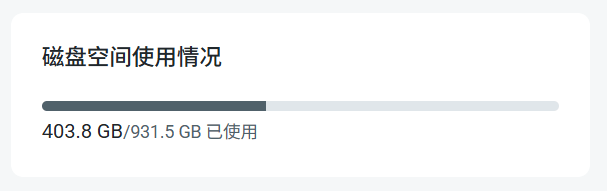
**磁盘空间使用情况**部分会准确显示剩余的磁盘空间。如果磁盘空间已满超过 80%,{siteNameShort} 会显示一条消息,并通知您一旦磁盘空间达到 90%,自动处理将暂停。
## 磁盘空间使用情况
**磁盘空间使用情况**部分会准确显示剩余的磁盘空间。如果磁盘空间已满超过 80%,{siteNameShort} 会显示一条消息,并通知您一旦磁盘空间达到 90%,自动处理将暂停。